 PDF Bridge
- PDF Bridge
- Tools
- Scan to PDF
Scan documents to PDF with your phone
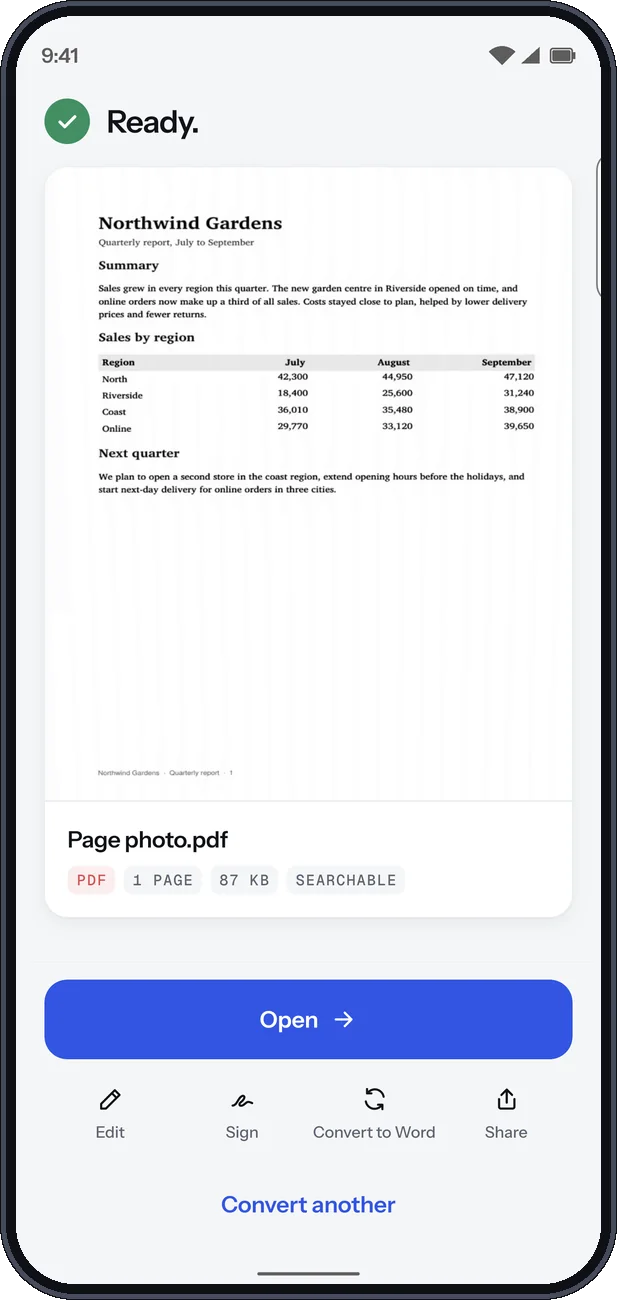
Scan paper with your camera, or pick photos from your gallery, and get one clean PDF. Pages are found, flattened and turned the right way up, with white paper and sharp dark text.
- Free to try
- No account needed
- Files deleted after converting
Why use PDF Bridge to scan documents to PDF
A photo of a document is not a scan: the page is tilted, the paper looks grey and the file is too big to send. Forms, receipts and contracts need a proper PDF.
PDF Bridge finds the edges of each page, flattens it, turns it upright and cleans it so the paper is white and the text is sharp. Several pages become one PDF in the order you choose. Already have the pictures? Photos to PDF turns JPG and PNG images from your gallery into a PDF the same way.
How to scan documents to PDF on your phone
Scan or pick photos
Point the camera at each page, or choose JPG and PNG pictures from your gallery.
Choose the look
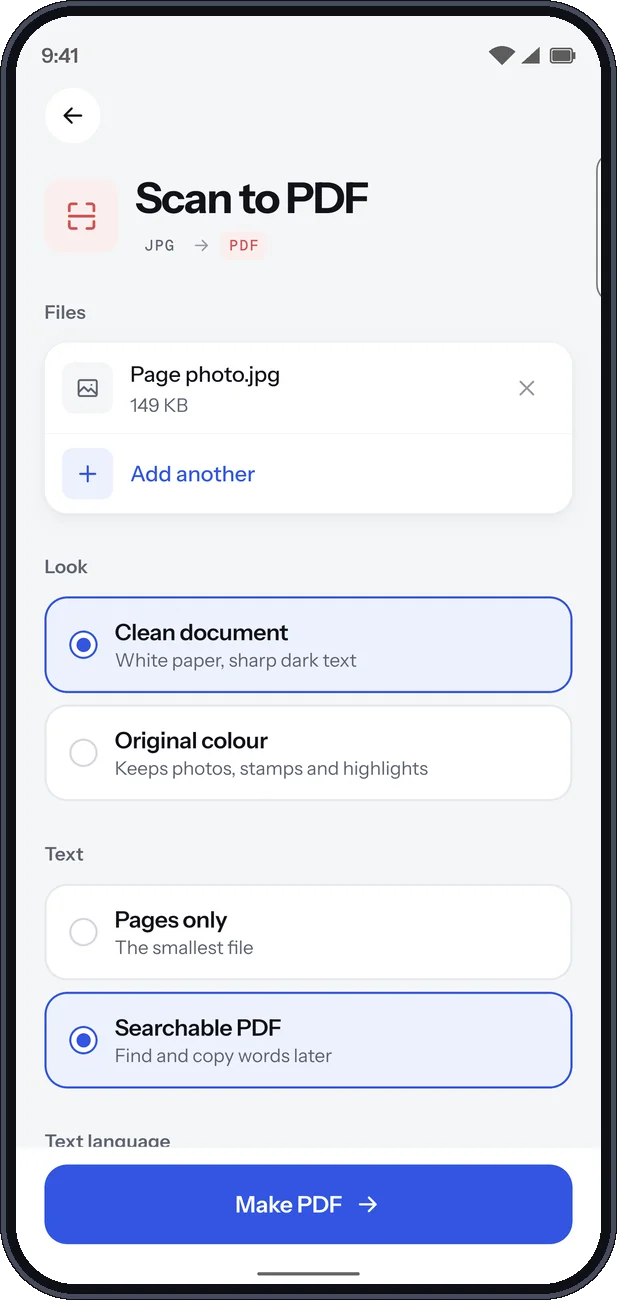
Document gives white paper and sharp black text; Colour keeps stamps, photos and highlights.
Save the PDF
One PDF on your phone, ready to email, upload or print.
Made for real documents
Automatic page edges
Each page is found in the photo and cropped for you.
Flattened and upright
Curled or tilted pages are straightened and turned the right way up.
White paper, sharp text
The Document look removes shadows and grey paper.
JPG and PNG to PDF
Photos already on your phone become a PDF in a few taps.
Searchable PDFs
With Pro, the text in your scan can be searched and copied later.
Small enough to send
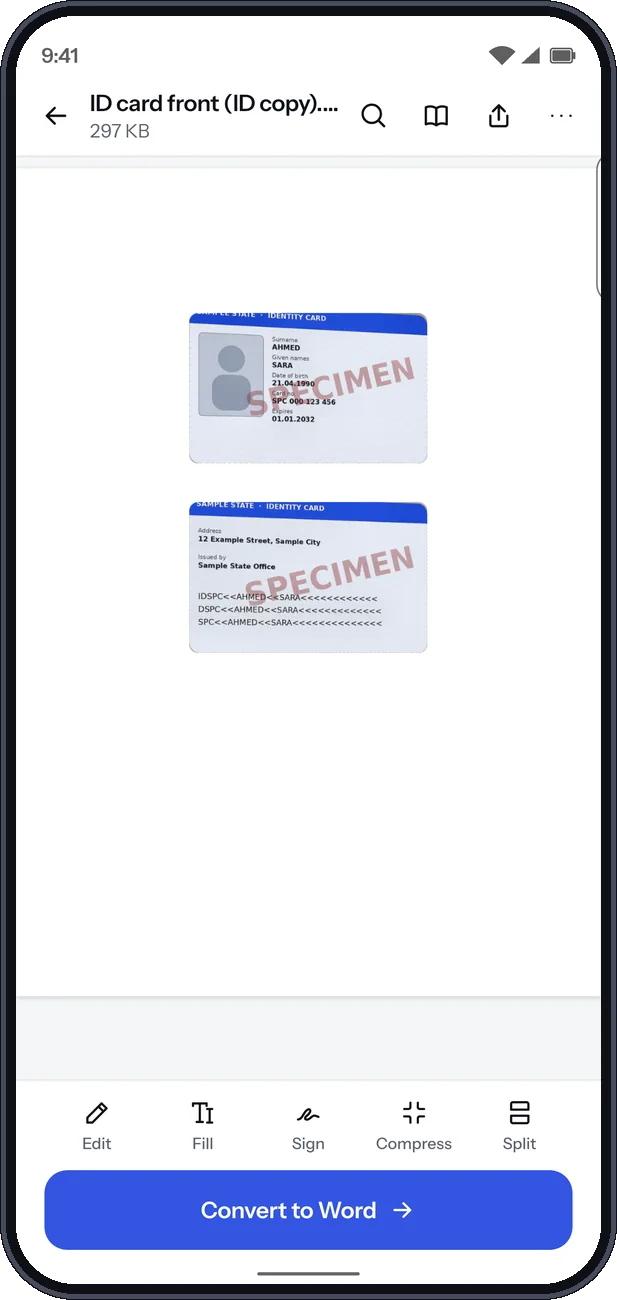
Too big for an upload form? Compress it right after.
Scan to PDF in PDF Bridge
Handy for
- Forms and applications
- Receipts and bills
- Contracts
- Homework and notes
- Certificates
- Medical letters
Scan to PDF: frequently asked questions
How many pages can I scan into one PDF?
Up to 3 pages a job on the free plan and up to 20 with Pro. Each scan is one PDF in the order you took the pictures.
Can I turn photos from my gallery into a PDF?
Yes. Choose Photos to PDF and pick JPG or PNG images; they are cleaned up and joined into one PDF.
What is a searchable PDF?
A PDF with the text read and stored behind the picture, so you can search for words and copy them. Searchable scans are part of Pro.
Is the scanner free?
Yes, it is one of your 2 free files each week. Pro removes the weekly limit.
Works well with
Try Scan to PDF free
2 free files every week, no account needed. Your files are deleted after converting and saved only on your phone.